Pet immunity is a stated weight limit, and it is measured at floor level · review
Tapo T100 review
TP-Link's motion sensor for the Tapo ecosystem: wide-area PIR detection, mounted with the supplied adhesive or by its built-in magnets, and requiring the Tapo H100 hub to work at all.
The conclusion A low-cost way to add motion to a Tapo house. Useless outside it, and the hub is part of the price.
This is a component rather than a product: it does nothing without the Tapo
H100 hub, and it does a great deal inside a Tapo household.
What the ecosystem buys
The same sensor that triggers an alarm can switch a lamp, a plug or an LED
strip. A motion sensor that only reports intruders is used for a few weeks a
year; one that turns a landing light on at night is used every day, and a
device in daily use is a device whose battery gets changed.
That is the practical argument for buying sensors inside an ecosystem you
already have.
Mounting: magnet first, adhesive after
The magnets are for deciding where it goes. Walk the room, put it in three
places, see which reports what you want and not what you do not. Then use the
adhesive, because a magnetic sensor knocked by a coat is a sensor pointed at a wall.
Range, angle and settings
TP-Link states detection up to 7 m (23 ft) over a 120° field, three sensitivity levels and a swivelling head, to leave out a pet’s path for example. Stated battery life is two years on a CR2450 coin cell, based on a manufacturer test at 50 triggers a day, 25,000 in all. Placement advice that works regardless: mount so people cross the field rather than walk towards
it, and keep it off walls carrying radiators or facing direct sun.
Who it suits
A Tapo household. Nobody else.
Availability
Not found on the American Amazon store, where the buy link falls back to a local search rather than to a page that does not exist.
Prices and availability are what Keepa reported on the date this page was updated; both move.
What reassures, and what does not
Strengths
A low-cost way to add motion to a Tapo home
Adhesive or magnetic mounting — no drilling, and repositionable
Triggers Tapo lights, plugs and strips as well as alarms
Detection to 7 m (23 ft) over 120°, three sensitivity levels, per TP-Link
Compromises
Requires the Tapo H100 hub — useless without it
Tapo ecosystem only
A magnetic mount means it can be knocked out of aim
CR2450 coin cell to replace; the runtime comes from a manufacturer test
Specifications
Type
PIR motion sensor
Requires
Tapo H100 hub
Mounting
3M adhesive or built-in magnets
Automations
Triggers Tapo lamps, LED strips and plugs
Range
Up to 7 m (23 ft) over a 120° field; three sensitivity levels
Battery
CR2450 coin cell; 2 years stated at 50 triggers a day
Alerts
Phone notification on motion; can trigger an alarm
Amazon reference
B0B7NDJW6J
EAN
4897098682944
The questions we are asked
Do I really need the hub?
Yes. TP-Link states the T100 must be used with the Tapo H100 hub. On its own it does nothing at all, and the hub is what turns a handful of cheap sensors into a system. Budget for it before comparing prices.
Is a magnetic mount a good idea?
For repositioning while you work out where the sensor should live, it is excellent. Once decided, the adhesive is more reliable — a magnetic sensor knocked by a coat or a cat is a sensor now aimed at a wall.
Can it switch lights as well as trigger an alarm?
That is the main reason to prefer it inside the Tapo ecosystem. The same sensor that arms an alarm at night can switch a lamp on when somebody crosses a landing, and that dual use makes the sensor earn its place all year rather than only when the house is empty.
Our score
6.9/ 10
A low-cost way to add motion to a Tapo house. Useless outside it, and the hub is part of the price.
What this one costs among motion detectors
A reference exists on these Amazon stores: France, Germany, Italy, Spain, United Kingdom. Listed is not the same as in stock — availability changes daily.
Details checked on September 2, 2026.
The buyer this one serves, among security devices
A household already using Tapo cameras and plugs, adding motion to the same app.
Specifications: the manufacturer sheet for home security products and the matching Amazon product page. Prices and availability: Keepa. Every figure on this page names its source.
4–5 m (13 to 16 ft) × 110° PIR · 110 dB · 58 melodies, 5 volumes · 20 sensors per receiver
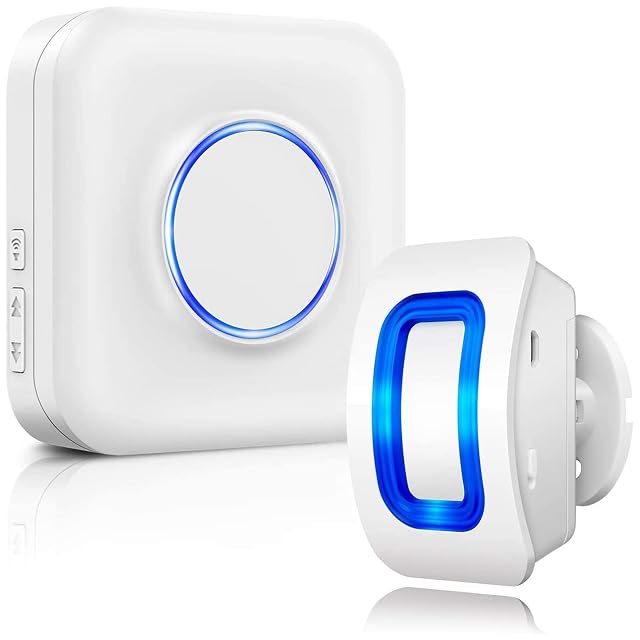
A driveway alarm expandable to twenty sensors on one receiver, with 58 melodies and five volume levels. BITIWEND states a 4 to 5 meter (13.1 to 16.4 ft) detection range across 110 degrees.
Best for: A property with several entrances that should each announce themselves differently.
Standalone PIR · 125 dB · remote control · low-battery warning · not compatible with the CP8
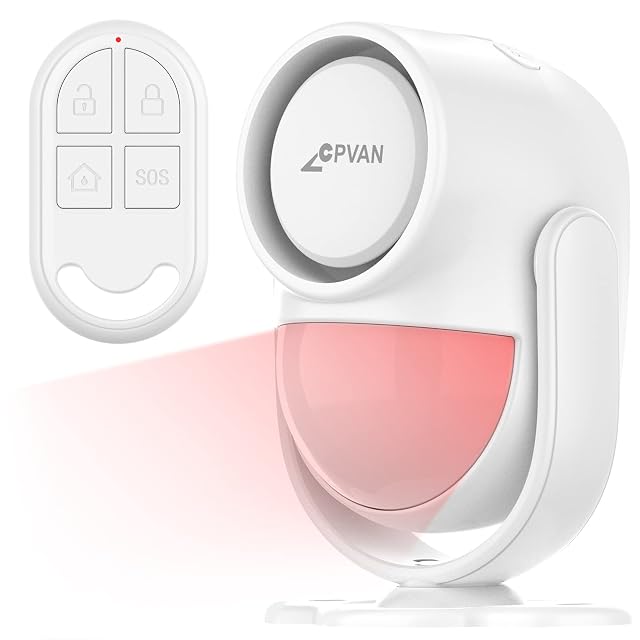
A standalone PIR alarm with a remote, from a maker with a decade in detection. CPVAN states a low-battery warning that ticks periodically, and is explicit that the CP2 does not work with its Wi-Fi CP8.
Best for: A shed, garage or storeroom where the alarm should warn you before its battery dies.
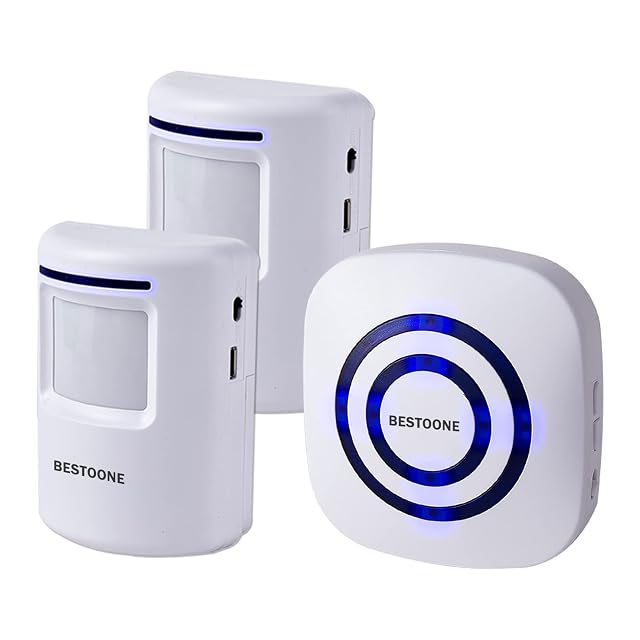
Two sensors and one alarm unit · 300 ft radio to the receiver, detection about 20 ft — both published, and labeled · 38 ringtones with 3 volumes AND A SILENT LED-ONLY MODE, the only silent option on this shelf · 2 sets of mounting screws · AAA not included · not waterproof
The only detector here with a silent mode — a light and no sound — and one of the few that separates its radio range from its detection range on the same page.
Best for: A household with a sleeping baby or a shift worker, where the alert must be visible and not audible