Skip to content

Local recording: four cameras and where the footage lives

A card in a camera is convenient and goes with the camera if it is taken. A recorder or an FTP server indoors does not. These four cover the range, and two of them, the Reolink RLC-510WA-B and the TrackMix, also write over FTP to a machine you control, with no dedicated recorder or subscription.

Where footage lives is a more consequential decision than which sensor produced it.

Three destinations

A card in the camera: simple, free, and it leaves with the camera. A recorder or NAS indoors: safe from theft of the camera, and it is a box that has to live somewhere. A cloud plan: safe from both and billed forever.

The arrangement most people never consider

A camera writing over FTP to a machine indoors. Two cameras in this guide support it and, as with a hidden recorder, the recording survives the camera being taken.

What it costs

A NAS or an always-on computer, and half an hour of configuration. Against three years of a cloud plan it is frequently cheaper.

The card, whichever you choose

High endurance, sized for the retention you want, replaced on a schedule rather than on symptoms.

Which device does your home need?

You want footage kept in the house
Local recording, whether to a card, a recorder or a network drive.
You want no subscription
Local recording is the usual route, though check what features the app still gives you.
You worry about the camera being stolen
A card inside the camera is a weakness; an indoor recorder is not.
You want remote access
That still works with local recording, but it needs setting up carefully.

Picking by what you are protecting

Privacy-conscious households

The main reason people choose it. Footage never leaves the property unless you send it.

Avoiding subscriptions

Where local storage covers what a plan would otherwise gate, at the cost of managing it yourself.

Continuous recording

Where a local recorder makes it practical, because uploading continuously is rarely realistic.

Areas with poor internet

Where cloud recording is unreliable and local storage simply works.

What actually protects, and what is noise

Card, recorder or network drive
A card is simplest and most vulnerable; a recorder is most robust; a network drive sits between the two.
How long footage is kept
Capacity, resolution and recording mode together decide how far back you can look before it overwrites.
Card and drive reliability
Surveillance writes constantly. Cards and drives designed for that duty last; ordinary ones fail quietly.
Whether you can get at it remotely
Local recording does not have to mean local viewing, but remote access needs configuring and adds exposure.
Backups
Local means you are responsible. Anything you might genuinely need should be copied somewhere else.

Which figure for which entrance

The setupThe strengthThe weakness
Card in the cameraSimple, no wiringStolen with the camera
Indoor recorderRobust and continuousNeeds cabling
Network driveFlexibleDepends on the network
Any local setupPrivacyYou manage backups

Where this is usually botched

Relying on a card inside the camera
It is the simplest option and the easiest to lose. A thief who takes the camera takes the recording of themselves.
Using consumer cards or desktop drives
Continuous writing wears them out, and they fail without warning while appearing to work.
Never verifying it records
A camera can show a live view and be writing nothing. Watching back a clip occasionally is the only check that counts.
Exposing the recorder to the internet carelessly
Remote access is useful and it is also how recorders get compromised. Configure it deliberately rather than by default.

By the home you have

The privacy-focused owner
Records locally on principle and accepts managing storage and backups.
The rural owner
Records locally because the internet is not reliable enough for anything else.
The evidence-focused owner
Records indoors and copies anything important elsewhere, so a theft cannot take the proof.

Batteries, updates and working life

Local storage is the part of the system that wears out. Cards and drives written to continuously have a finite life, and their failure is silent: the camera stays online, the app looks normal, and nothing is being kept.

  • Use surveillance-rated cards and drives rather than ordinary ones.
  • Check recorded footage on a schedule; failure gives no warning.
  • Replace storage proactively rather than after it fails.
  • Copy anything genuinely important off the local device.

Safety

Local footage is still sensitive data.

  • Secure the recorder physically; it holds everything.
  • Change default passwords and limit remote access.
  • Keep firmware current on cameras and recorder.
  • Be aware of what your footage captures beyond your own property.

The choices, and what settled them

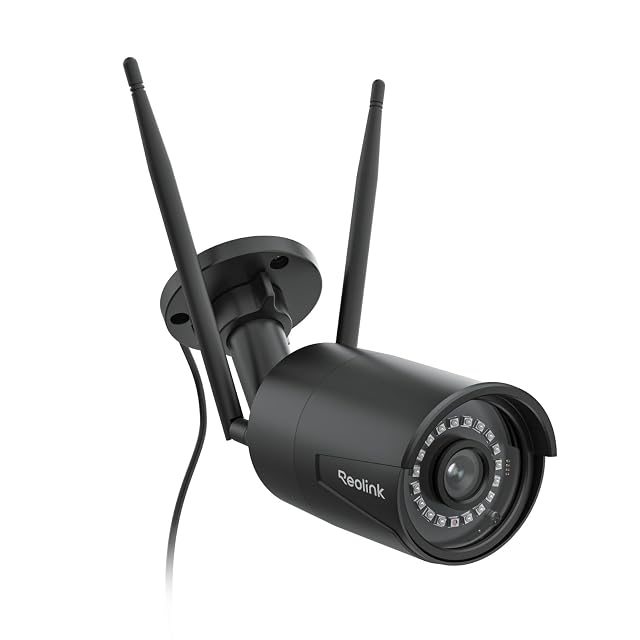
  1. Reolink RLC-510WA-B

    5MP · dual-band 2.4/5 GHz · 30 m (98 ft) IR · microSD to 512 GB, NVR or FTP · IP66

    A fixed 5 MP bullet camera rather than a pan-and-tilt, and the only camera in this hub that will record to an FTP server, as well as to a Reolink NVR or a card. Reolink states dual-band Wi-Fi, person, vehicle and animal detection, and 30 m (98 ft) night vision.

    Best for: Someone who wants a fixed camera pointed at one thing permanently, recorded somewhere other than the camera itself.
    8.1/10

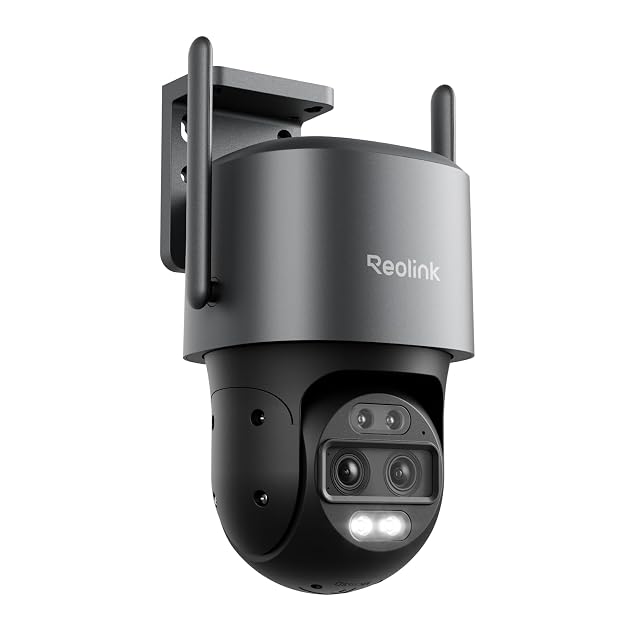
  2. Reolink TrackMix WiFi

    4K · dual lens, wide and telephoto · 6× hybrid zoom · auto-tracking · Wi-Fi 6

    Two lenses in one housing — a wide one that keeps the whole scene and a telephoto one that follows a subject — combined into a single tracked image. Reolink states 4K full color day and night, dual-band Wi-Fi 6 and storage to card, FTP or its own hub.

    Best for: The one camera on a property that has to both watch everything and identify somebody.

    8.4/10

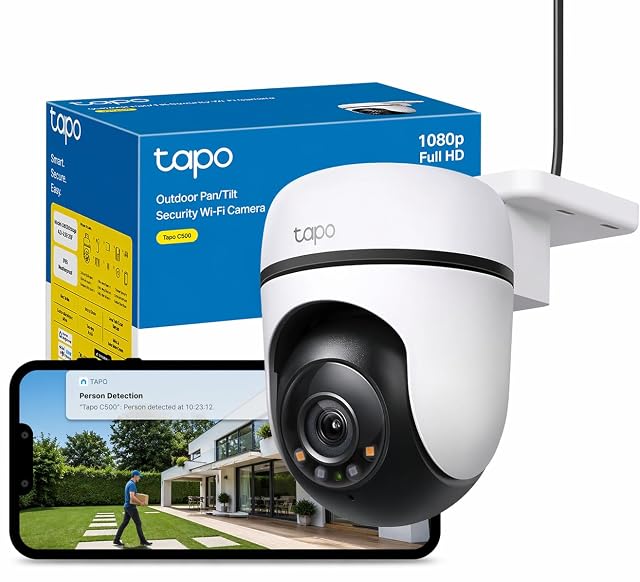
  3. Tapo C500

    1080p · 360° pan, 130° tilt · 30 m (98 ft) IR · microSD to 512 GB · IP65

    An entry-level pan-and-tilt outdoor camera that records to its own card. TP-Link states 1080p, a 360° horizontal sweep and night vision to 30 m (98 ft), and the listing is unusually frank about what the model is not.

    Best for: A first outdoor camera on a wall that already has a socket nearby, where 1080p is enough and the card matters more than the picture.

    7.5/10

    ≈ $78

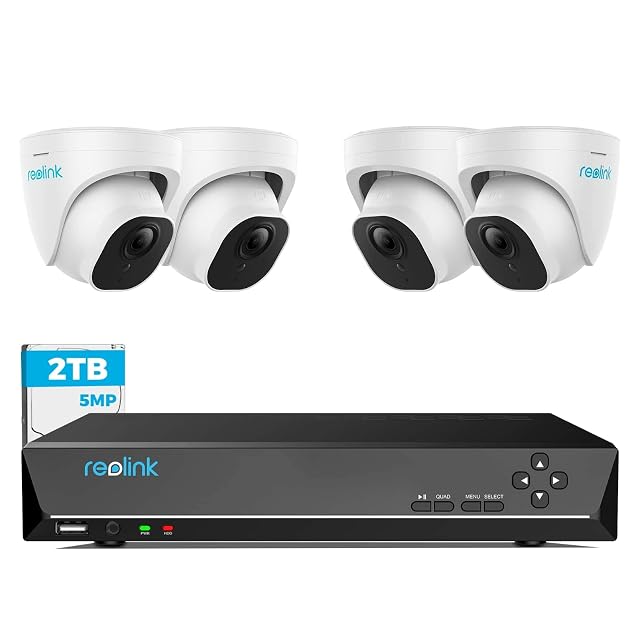
  4. Reolink RLK8-520D4 (5 MP dome set)

    4× 5MP domes · 8CH NVR with 2 TB · 18 m (59 ft) cables supplied · 24/7 recording

    Four 5 MP dome cameras, an eight-channel recorder with a 2 TB drive, and 18-meter network cables in the box. Reolink states person and vehicle detection, continuous recording and compatibility with its 4, 5 and 8 MP cameras.

    Best for: A house wanting a system that will still be supported and expandable in five years.

    7.8/10

The questions we are asked

What is the FTP option for?

It writes recordings to a server you control — a NAS, or a computer that is always on — rather than to the card in the camera or to a cloud plan. Along with a hidden recorder, it is the way to keep footage somewhere a thief cannot carry off with the camera.

Which card should I use?

A high-endurance one if the camera records continuously. Cameras overwrite the same card every few days, which is the workload ordinary cards handle worst — and they fail by quietly recording nothing rather than by reporting an error.

Is local recording more secure?

It keeps footage off the internet, which many people prefer. It also makes you responsible for the device's physical security and for backups.

What happens if the camera is stolen?

If it records to a card inside itself, the footage goes too. Recording to an indoor device avoids that single point of failure.

Can I still view it remotely?

Usually, but remote access has to be configured, and doing it carelessly is how recorders get compromised.

How long will footage be kept?

Until the storage fills and overwrites. Capacity, resolution and recording mode together determine how many days or weeks that is.

How do I know it is working?

By watching back a recording occasionally. Storage failure is silent, and the app will usually look completely normal.

Each device, and the door it watches

Reolink RLC-510WA-B

Designed for: Someone who wants a fixed camera pointed at one thing permanently, recorded somewhere other than the camera itself.
Its main asset: 5 MP — the highest resolution in this hub, stated by Reolink

Its main gap: Fixed, not pan-and-tilt — what it sees is decided at installation

Read the full review →

Reolink TrackMix WiFi

Designed for: The one camera on a property that has to both watch everything and identify somebody.

Its main asset: Two lenses: the wide one keeps context while the telephoto follows the subject

Its main gap: The most expensive camera in this hub, above the Reolink E1 Outdoor Pro

Read the full review →

Tapo C500 · $78

Designed for: A first outdoor camera on a wall that already has a socket nearby, where 1080p is enough and the card matters more than the picture.

Its main asset: Records to a microSD card up to 512 GB with no subscription required, per TP-Link

Its main gap: 1080p only: TP-Link itself points buyers at the C510W or C520WS for 2K

Read the full review →

Reolink RLK8-520D4 (5 MP dome set)

Designed for: A house wanting a system that will still be supported and expandable in five years.

Its main asset: 18 m (59 ft) cables supplied — enough for a normal house without a second order

Its main gap: Dome bubbles need occasional cleaning or the night image hazes

Read the full review →

What to add to it

Accessories and spares from the same aisle, at the price we read. Confirm they suit the device you choose before ordering: it turns on the model and the part number, which the listing gives.

The short decision

Comparisons that matter here

Device against device, already covered, inside this guide or this aisle.

What this comparison is built on

The devices listed are drawn from the catalog of this site. Specifications are those the maker and the Amazon listing publish; prices are what Keepa recorded on the date shown, and both move. The order follows declared specifications, the balance between stated strengths and stated limits, and price. No device here has been installed or tested by us, and no page claims it was.

Last checked on

Prices quoted in these summaries are dated readings. The live price is shown next to each product.

The tool we use ourselves

Chosen your tool? Now buy it at the right price.

Cameras, alarm kits and safes swing by thirty dollars or more across the year, and the biggest "discounts" often land at prices the same model sold for six weeks earlier. UniverTrack tracks the real price history across retailers, spots fake reductions, and alerts you when it is genuinely the moment to buy.

Real price historyBuy-now alertsAI buying assistant
Try free for 14 days →
No commitment · Cancel in one click · 5 languages